
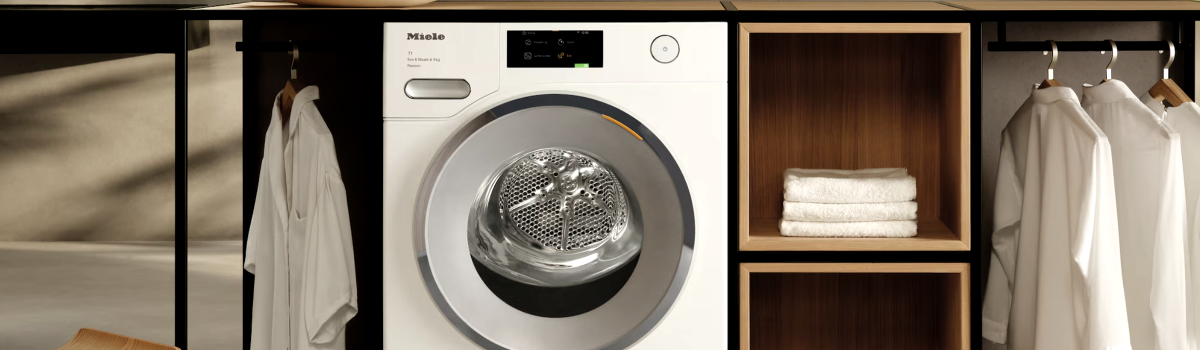
Miele dryers are known for their reliability and advanced features, but even the best appliances can display error codes that confuse users. One common message is Error Code F50, which generally signals a computer or door-related issue. Understanding why it occurs, what it means, and how to address it can help keep your dryer running smoothly without unnecessary service calls.
What Error Code F50 Means
F50 is a general computer error that often appears when the dryer door is opened. In most cases, it is a safety feature designed to prevent operation when the door is not securely closed. The dryer temporarily halts the cycle and displays the code to alert users.
Typical signs include:
- Dryer stops mid-cycle and shows F50 immediately after opening the door.
- Cycle may resume once the door is closed and the start button is pressed again.
- In rare cases, the code may appear unexpectedly even when the door hasn’t been opened.
Causes of the F50 Error
While often straightforward, the F50 error can be triggered by several underlying issues:
- Normal door opening: The dryer detects the door is open and stops the cycle for safety.
- Faulty door latch: A broken or misaligned latch can trigger the error even when the door appears closed.
- Dirty sensors: Lint, dust, or debris around the door frame can interfere with sensor operation.
- Electrical issues: Less commonly, a glitch in the control board may cause sporadic F50 codes.
Troubleshooting F50 Yourself
Many F50 errors can be resolved with simple inspections and cleaning. Here’s how to do it:
Step-by-Step DIY Guide:
- Check the Door Latch: Ensure the latch clicks securely when the door is closed. Look for bent or broken parts.
- Inspect the Door Frame: Make sure nothing is obstructing the latch or sensors. Even small debris can trigger the error.
- Clean Sensors: Use a soft, dry cloth to remove lint or dust from sensors and the surrounding area. Avoid wet cleaners that could damage electronics.
- Reset the Dryer: Sometimes unplugging the dryer for a few minutes resets the control board and clears the code.
If the error persists after these steps, the problem may involve a more serious component such as the door latch mechanism or the control board, which usually requires professional inspection.
Preventive Measures
Avoiding recurring F50 errors is easier when you take a few simple precautions:
- Always close the door firmly before starting a cycle.
- Keep the door and latch area free of lint and debris.
- Avoid slamming the door or forcing it closed, which can misalign the latch or sensors.
- Schedule regular maintenance to check the door mechanism and sensor function.
Quick Troubleshooting Checklist
- Ensure the door is fully closed and latched.
- Inspect and clean sensors around the door frame.
- Check the door latch for damage or misalignment.
- Reset the dryer by unplugging it briefly.
By understanding F50 and following these steps, you can often resolve the issue yourself, keeping your Miele dryer functioning reliably and avoiding unnecessary service calls.